Create Professional 3D Models with Photo-Real Textures
that Attract Studios and Clients.
Master Substance Painter in Under 4 Weeks—Even if You’ve Never Textured Before.
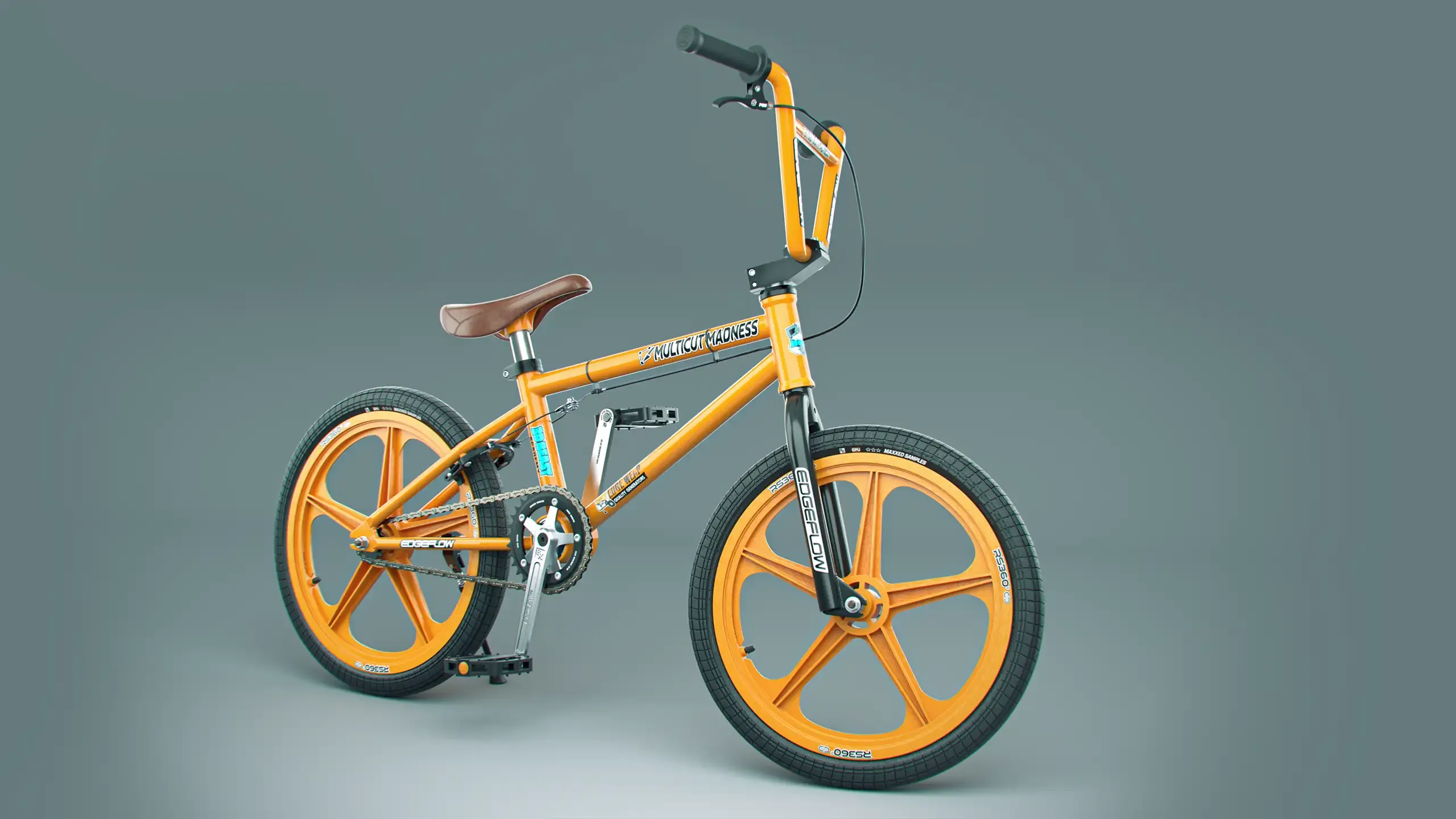
The Real Problem of Learning Photo-Real Texturing in Substance Painter.
(No pun intended)
3D Textures feeling a bit flat? From complex tools to achieving photo-realism, here are the issues 3D artists face when creating professional textures.
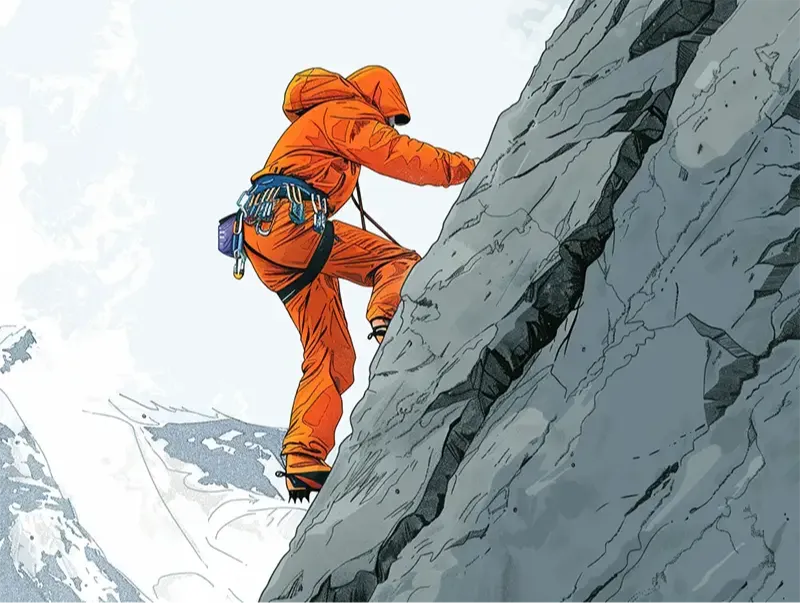
Sneaky Steep Learning Curve
At first glance, Substance Painter resembles 2D photo editing software, which leads many to underestimate its complexity.
The software's advanced features, such as smart materials and particle brushes, require a deeper understanding of 3D texturing. This complexity results in a steep learning curve for new users.
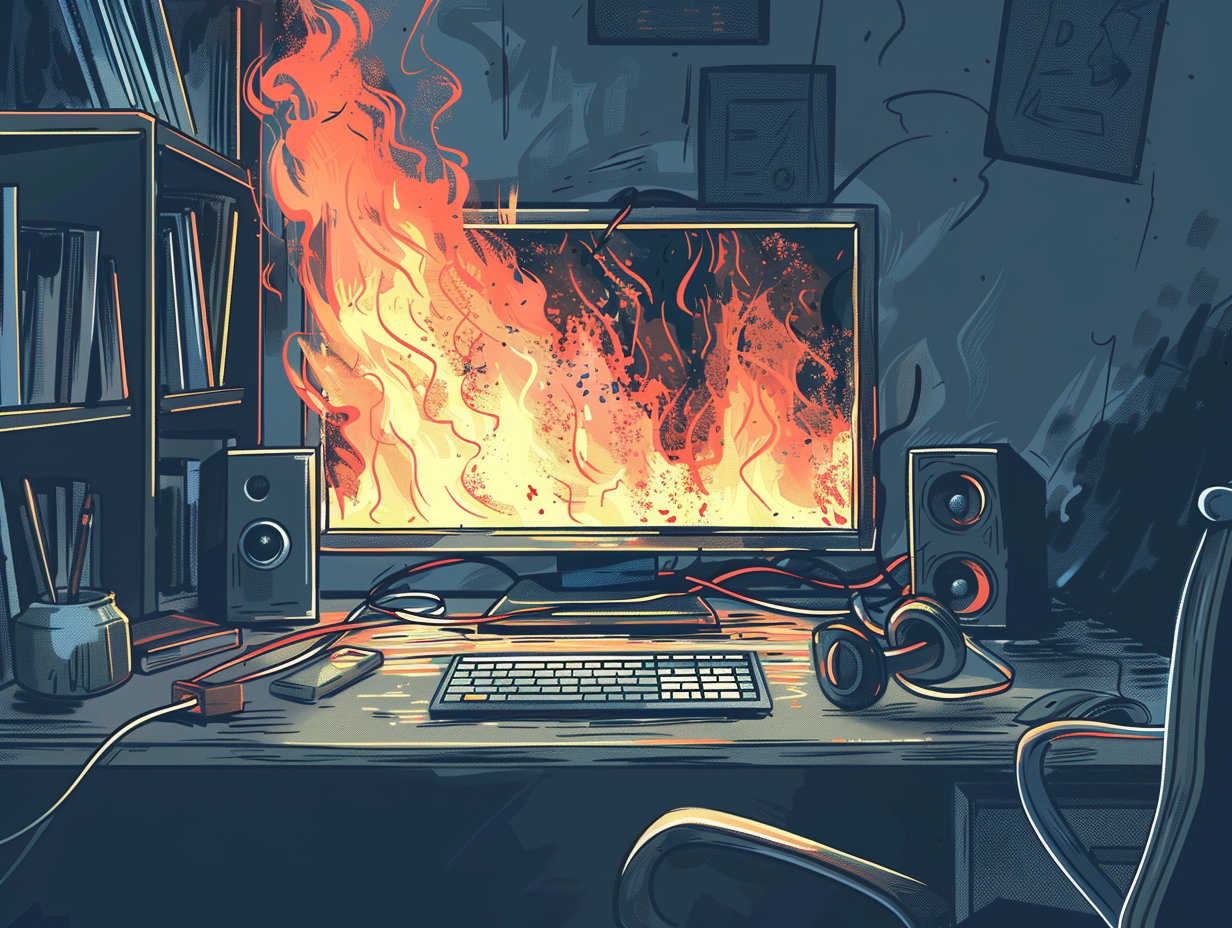
Baking Maps Burning You Out?
Creating clean mesh maps like normal maps without errors can be challenging. Substance Painter’s powerful baking tools come with numerous settings that may overwhelm beginners.
Many new artists spend hours tweaking bake parameters before they can even begin texturing.

Can’t Keep It Real
Achieving photo-real materials requires mastering roughness, metallic, and normal maps.
Most 3D texturing courses skip these essentials, jumping straight into texturing. Without this foundation, your materials will look unrealistic and lower the quality of your 3D models.
The Solution...
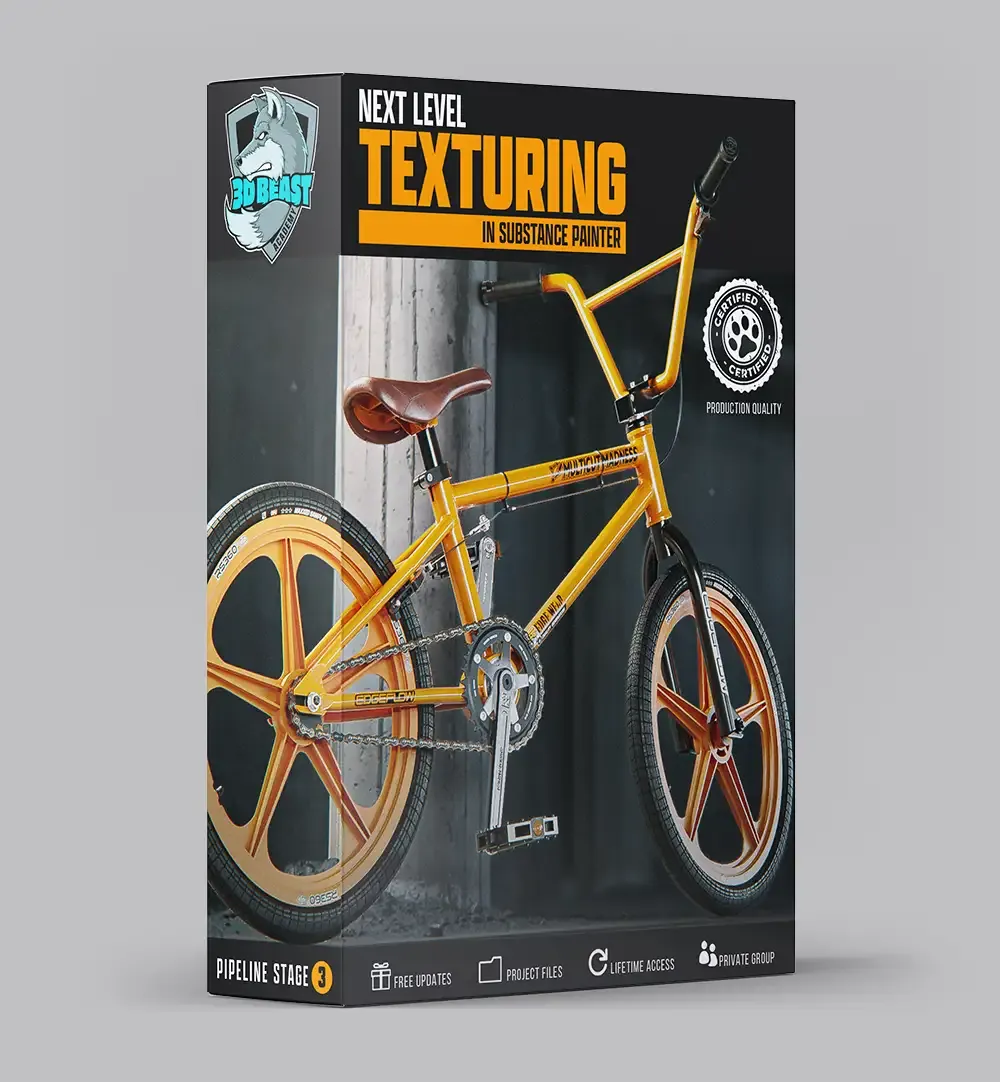
NEXT LEVEL TEXTURING IN SUBSTANCE PAINTER
The fastest way to learn the industry-standard 3D texturing software and create photo-real textures.








Master a PBR Workflow One Layer at a Time.
Physically Based Rendering (PBR) is essential for creating realistic materials in game engines like Unreal Engine and renderers like Arnold and V-Ray.
This course simplifies the learning curve by teaching you to master albedo, roughness, metallic, and normal maps for stunning, realistic results.
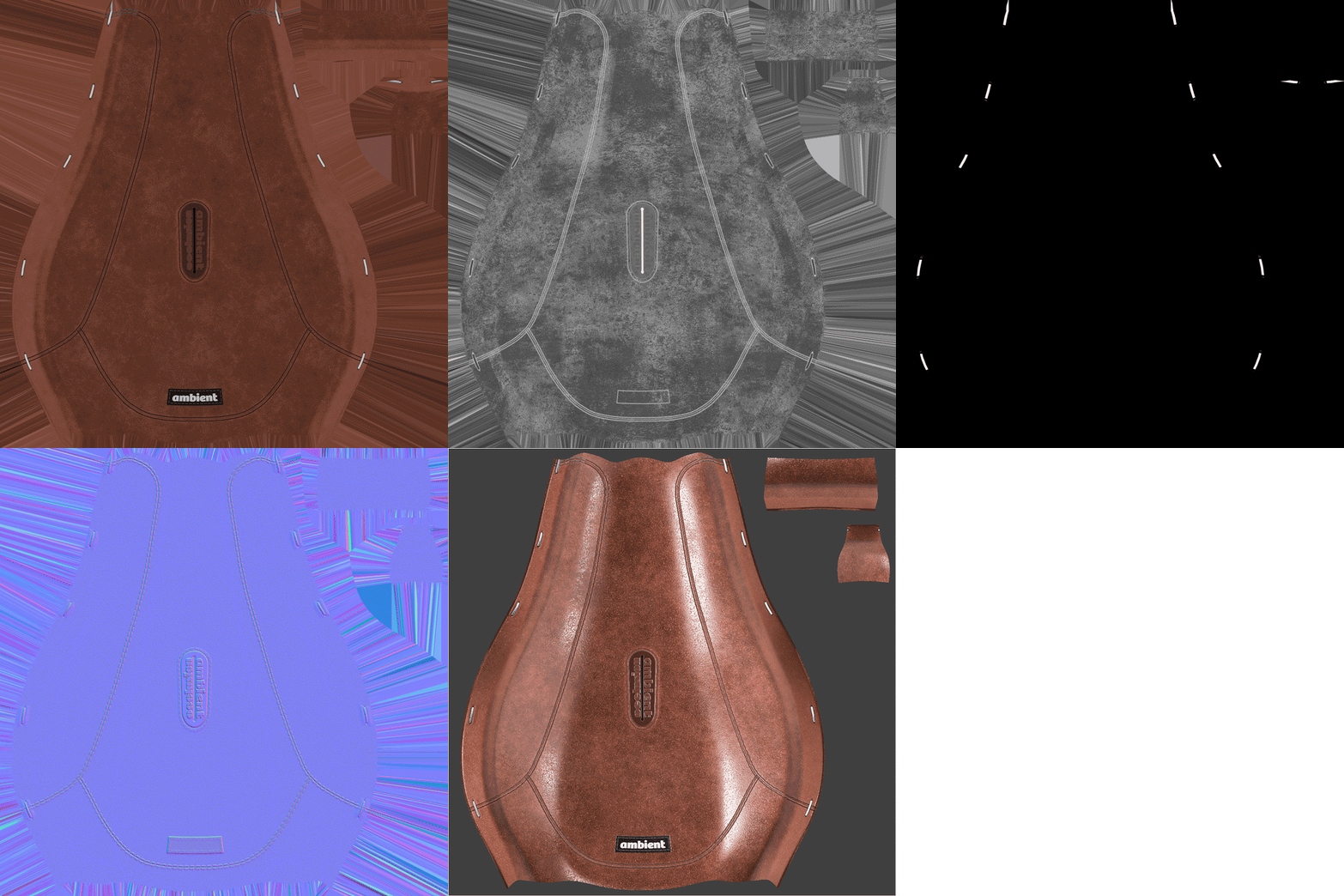
Learn a Simple Step-by-Step Process to Create Photo-Real Textures
Any artist, regardless of skill level or experience, can quickly learn how to create Professional Textures.
STEP 1: REFERENCES
Gathering the right references is key to achieving photo-realistic textures. Learn the 3 crucial types of references to collect and how to quickly organize them to set your project up for success.
STEP 2: BAKE
Learn how to create your flawless initial baked maps, including normal, curvature, and position maps, that will speed up the creation of your final, high-quality textures.
STEP 3: TEXTURE
Master the use of masks, fill layers, generators, projections, and filters to create materials that bring your 3D models to life.

STEP 4: RENDER
Export your texture maps for rendering in your favorite 3D package or use Substance Painter’s powerful I-Ray renderer. Learn to export and import correctly to create jaw-dropping renders.
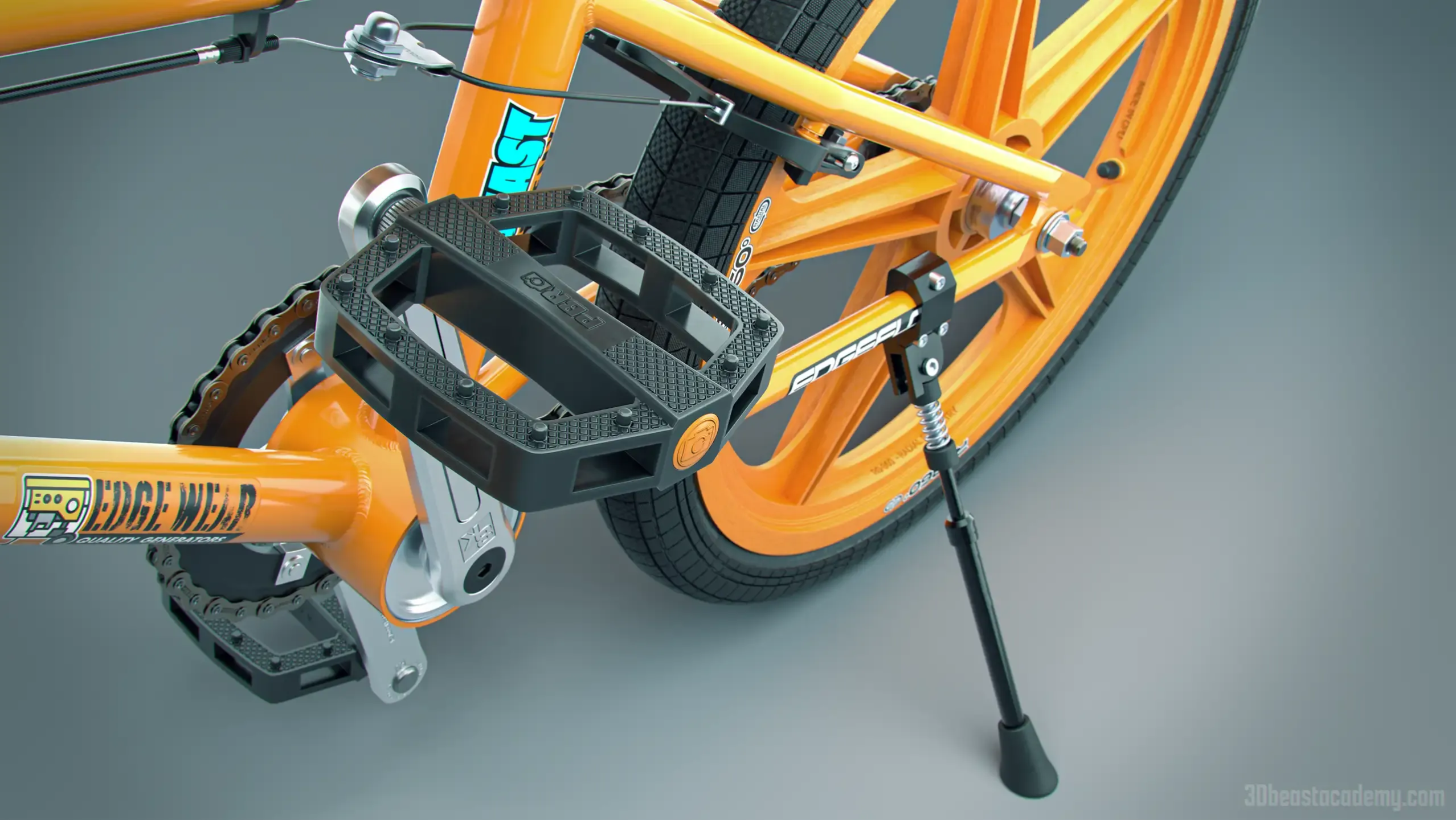
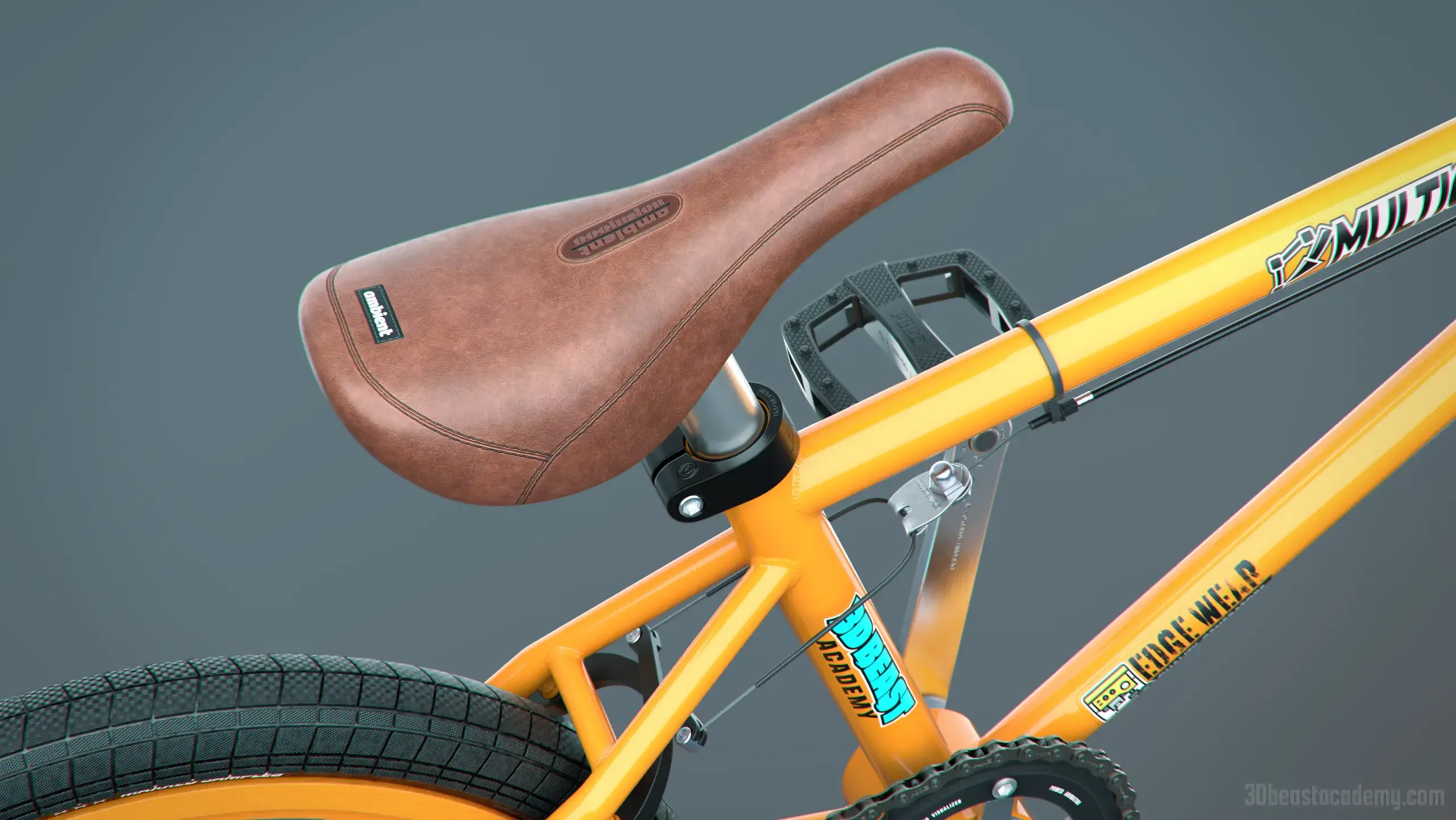
Photo-Real Textures are the Secret to Eye-Catching 3D Models.
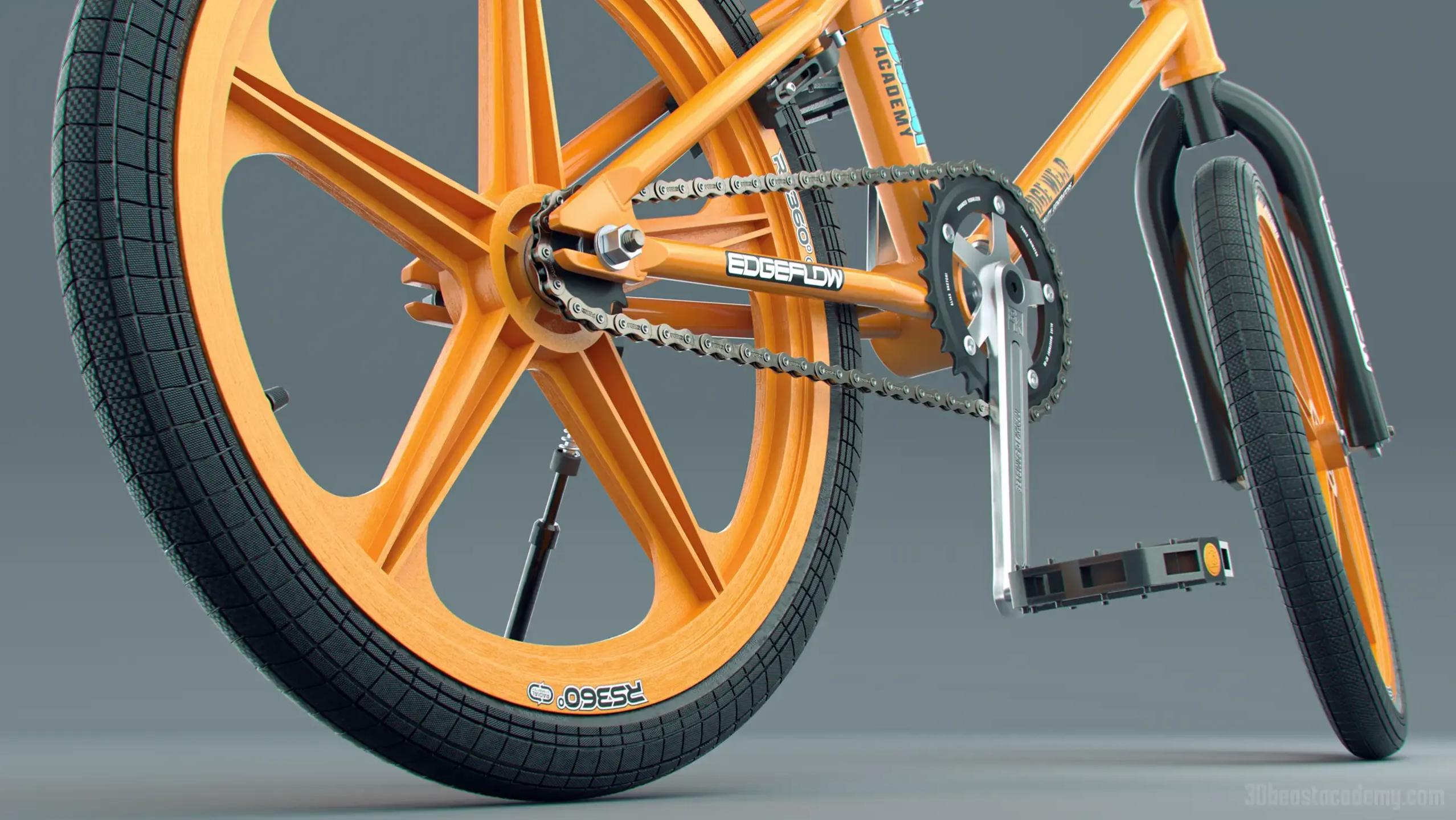
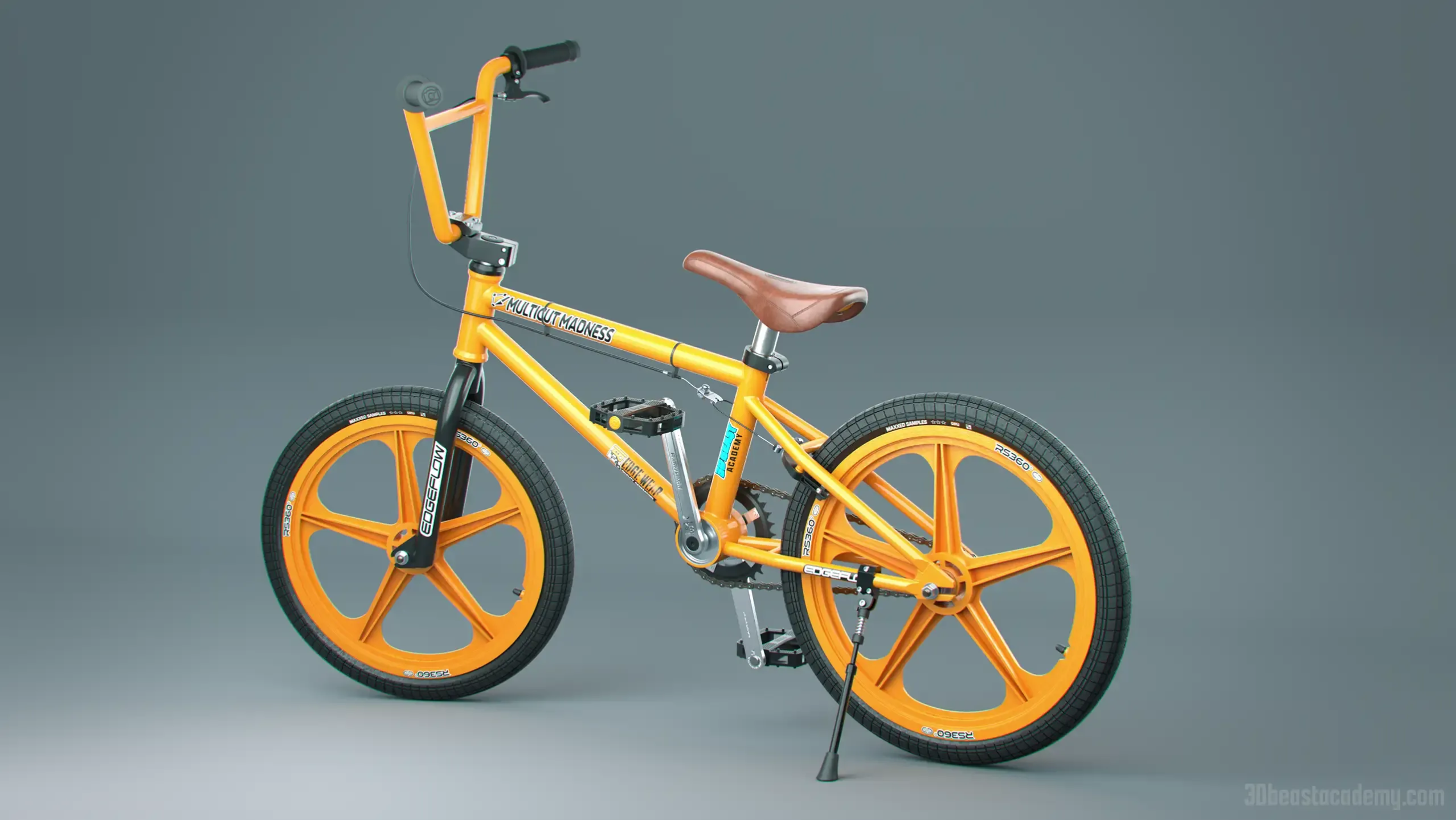
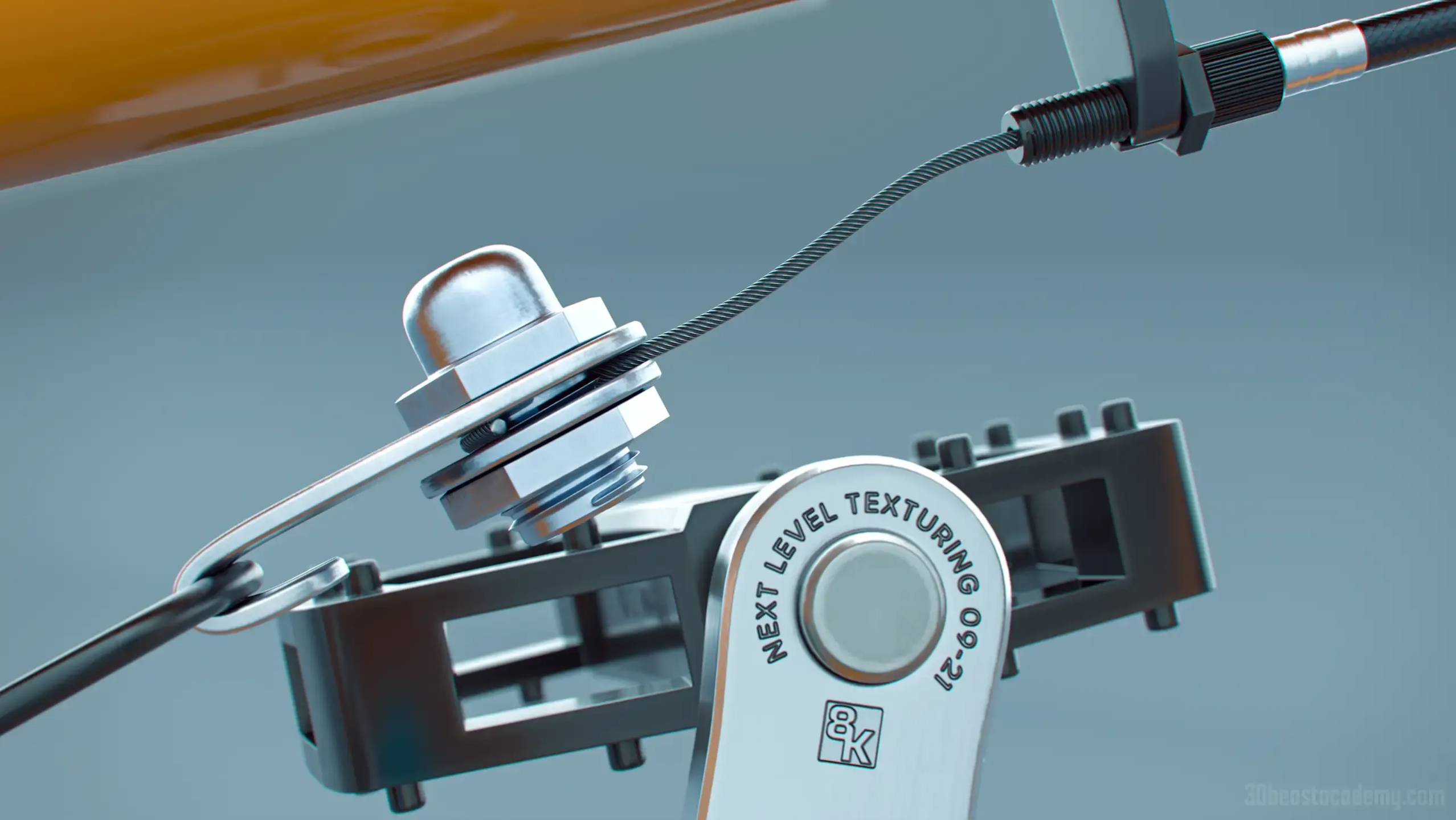
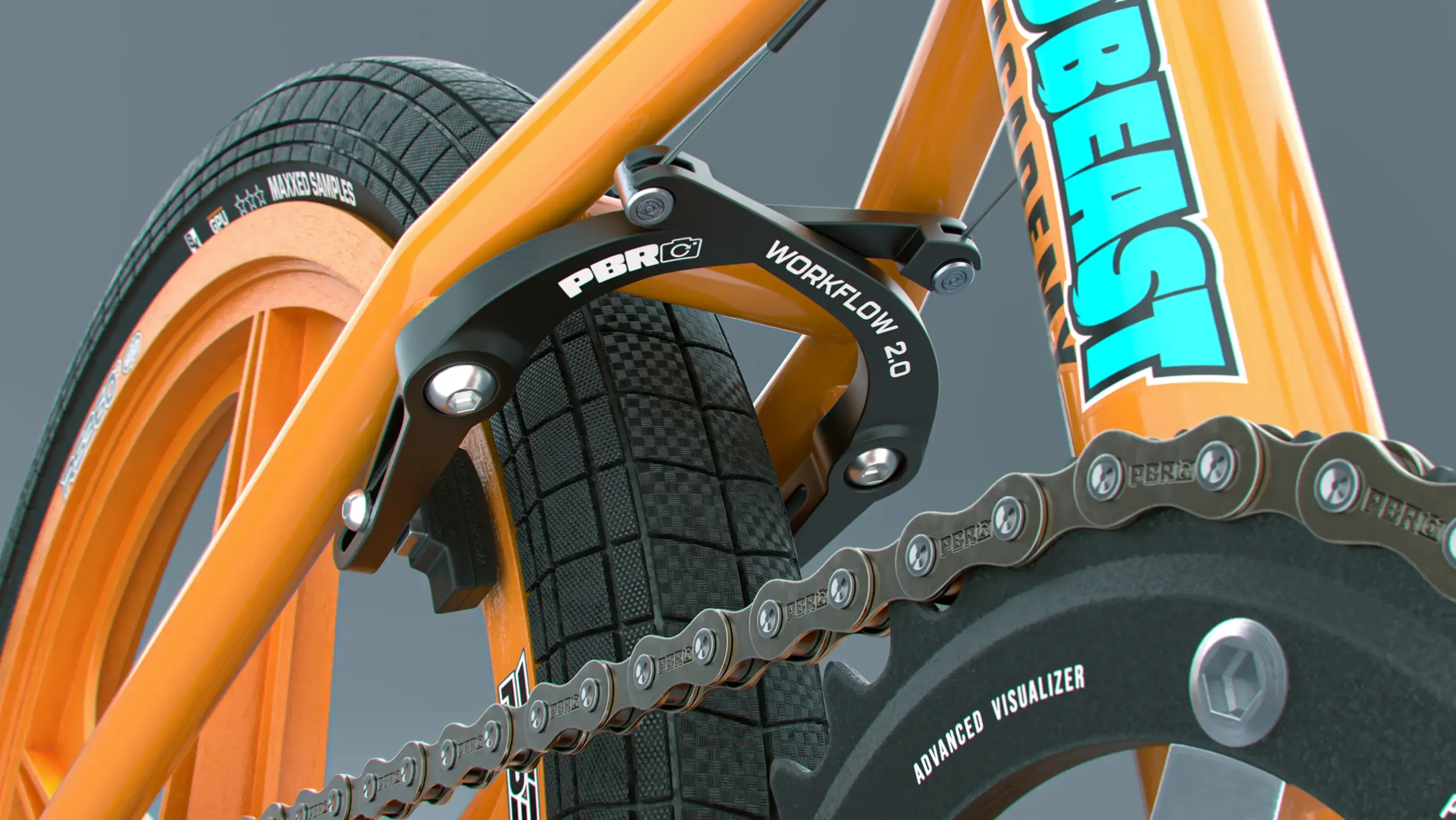
Textures transform a bland render into a professional portfolio piece that will help you stand out and get you the attention you deserve.
Use Afterpay at checkout for low monthly payments.